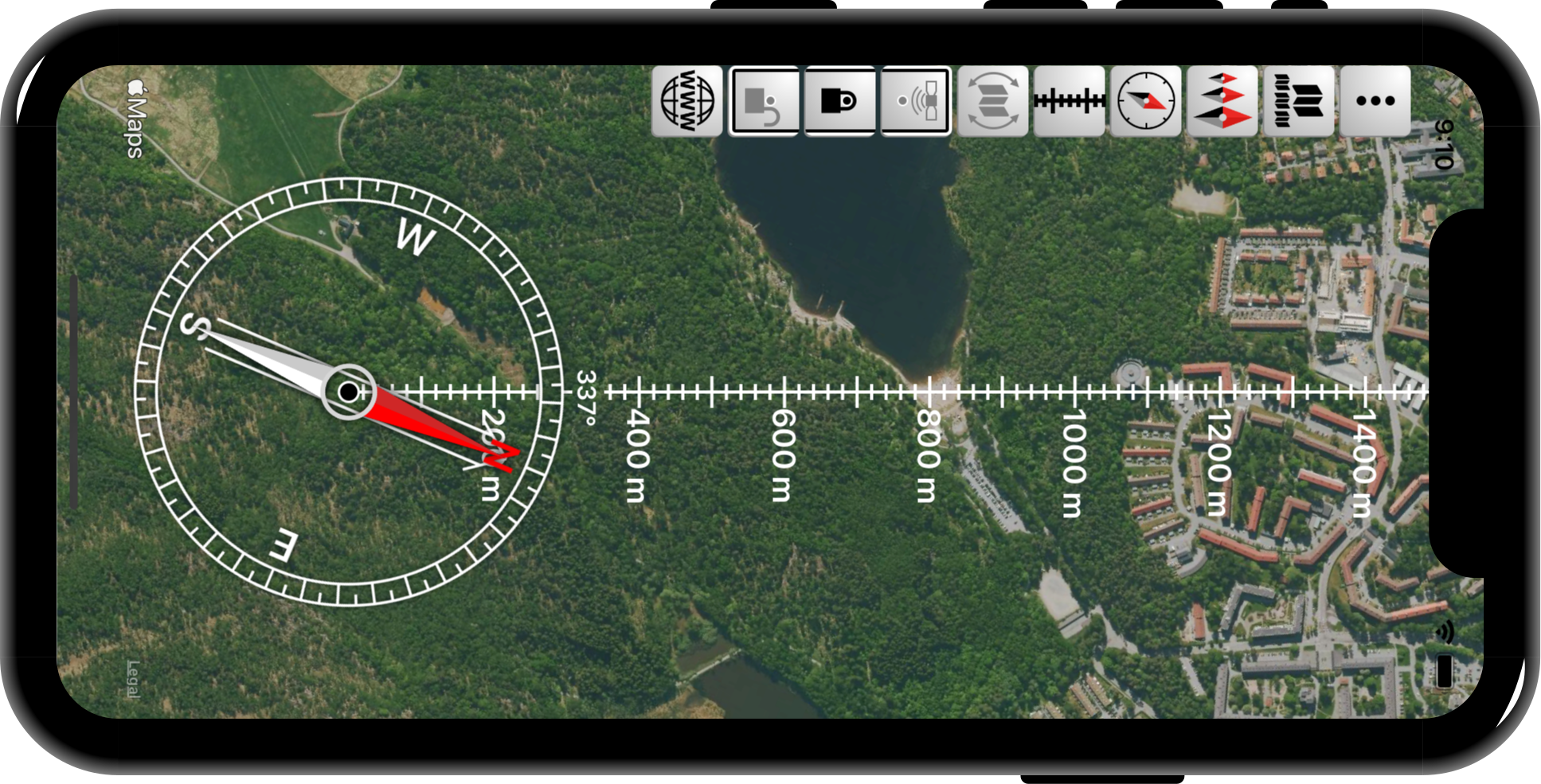
To get info about a button on the phone, long-press it
If applicable, a button is grayed when deactiveted. In that case, click it to activate
 | Show/hide the buttons |
|---|---|
 | Select map from three Apple Maps |
 | Change the size of the compass (needle and compass housing) |
 | Change the type of compass housing |
 | Change the length unit of the ruler (metric, imperial or nautical), or no ruler at all |
 | Let the compass orient the map with the landscape irrespective of the orientation of the iPhone/iPad |
Only one of the following three buttons can be activated at the same time | |
 | Activate the GPS and position the map such that your GPS position is locked at the blue spot at the middle of the compass |
 | Deactivate the GPS and lock the map at the black spot (was blue when the GPS was activated) |
 | Deactivate the GPS and unlock the map. You can position the map using finger gestures. The blue/black spot turns gray |
 | Launch a web browser and show the webpages of the app (these webpages) |
The main principle is that each finger that touches the map locks the map to its position which is moved with the finger. In this way the map is moved, rotated, and zoomed. There are three constraints in addition to this.
1 If the map is locked to the blue/black spot at the middle of the compass, that is not changed by finger gestures.
2 If the map orientation is locked to the compass, that is not changed by finger gestures
3 The map is never distorted irrespective of finger gestures or constraints
If the main principle mentioned above is not possible due to too many fingers touching the map together with constraints, the app uses compromized gestures such that the constraints are always fulfilled